How to Add Media
Finding a source
Finding a source might be the hardest part. Personally I use Aither. You need a source; the rest is getting it onto TrueNAS for Jellyfin.
Adding to the server
- Open File Explorer on the Windows PC (
192.168.2.200) - Open the mapped
A:drive (TrueNAS media share)
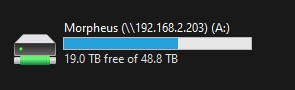
- Open Media
- Shows or Movies:
- Shows:
Show Name (Season 1 Release Year)/Season 01/... - Movies:
Movie Name (Release Year)/... - Drop files in the folder
Or let Sonarr/Radarr/qBittorrent handle imports automatically — see Services.
Jellyfin scans A:/Media. If something does not appear, restart the Jellyfin app on TrueNAS or run a library scan.